

If you’ve ever tried to roll out personalization across a growing website, you know it can get messy fast. Different teams own different parts of the experience, content gets stuck waiting for reviews, and before you know it, the “personalized” campaign goes live two weeks after the customer moment has passed.
This is exactly where the Adobe Target + AEM as a Cloud Service integration makes a difference. Instead of juggling multiple systems, you can build content once in AEM and send it straight into Adobe Target - clean, simple, and surprisingly efficient. Marketers get control, authors don’t wait on dev teams, and everything moves in real time.
Below is a guide of how the integration between Adobe Target and AEM is done, based on real-world setup experience.
1. What You Need Before You Start
Before touching any configuration screens, make sure you have access to:
- Adobe Developer Console
- AEM as a Cloud Service (admin permissions help a lot)
- Adobe Target
- Your organization’s Admin Console
Without these pieces, you’ll get stuck partway through the setup.
2. Setting Up an OAuth Project in Adobe Developer Console
This part feels a little technical, but once it’s done, you don’t need to revisit it unless something changes.
Here’s what you’ll do:
- Log into Adobe Developer Console
- Create (or reuse) a project
- Add Adobe Target as an API
- Choose OAuth Server-to-Server
- Grant the permissions it asks for
- Save and note the important bits:
- Client ID
- Client Secret
- Technical Account ID
- Org ID
These credentials act like AEM’s passport to talk to Target.
3. Creating the IMS Configuration in AEM
Once you’ve collected the credentials, switch over to AEM:
- Navigate to Tools > Security > Adobe IMS Configurations
- Create a new configuration
- Give it a meaningful name
- Pick Adobe Target as the integration
- Drop in the OAuth details
- Save

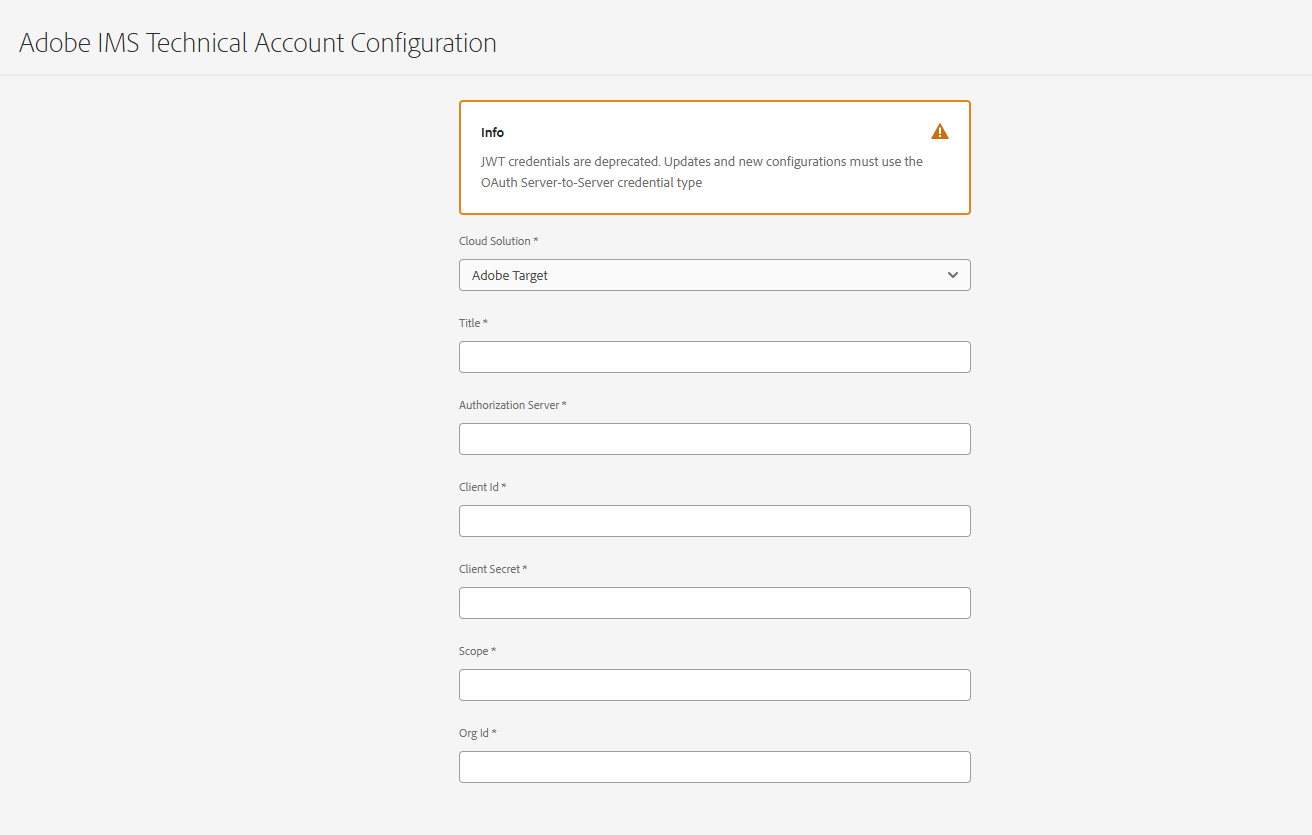
This is the “bridge” that lets AEM reach Adobe Target securely. Think of it as the plumbing behind everything else.
4. Setting Up Adobe Target Inside AEM
Next, you’ll confirm that AEM should use the IMS configuration you just created:
- Go to Tools > Cloud Services > Adobe Target Configurations
- Add a new configuration
- Link it to your IMS configuration
- Save
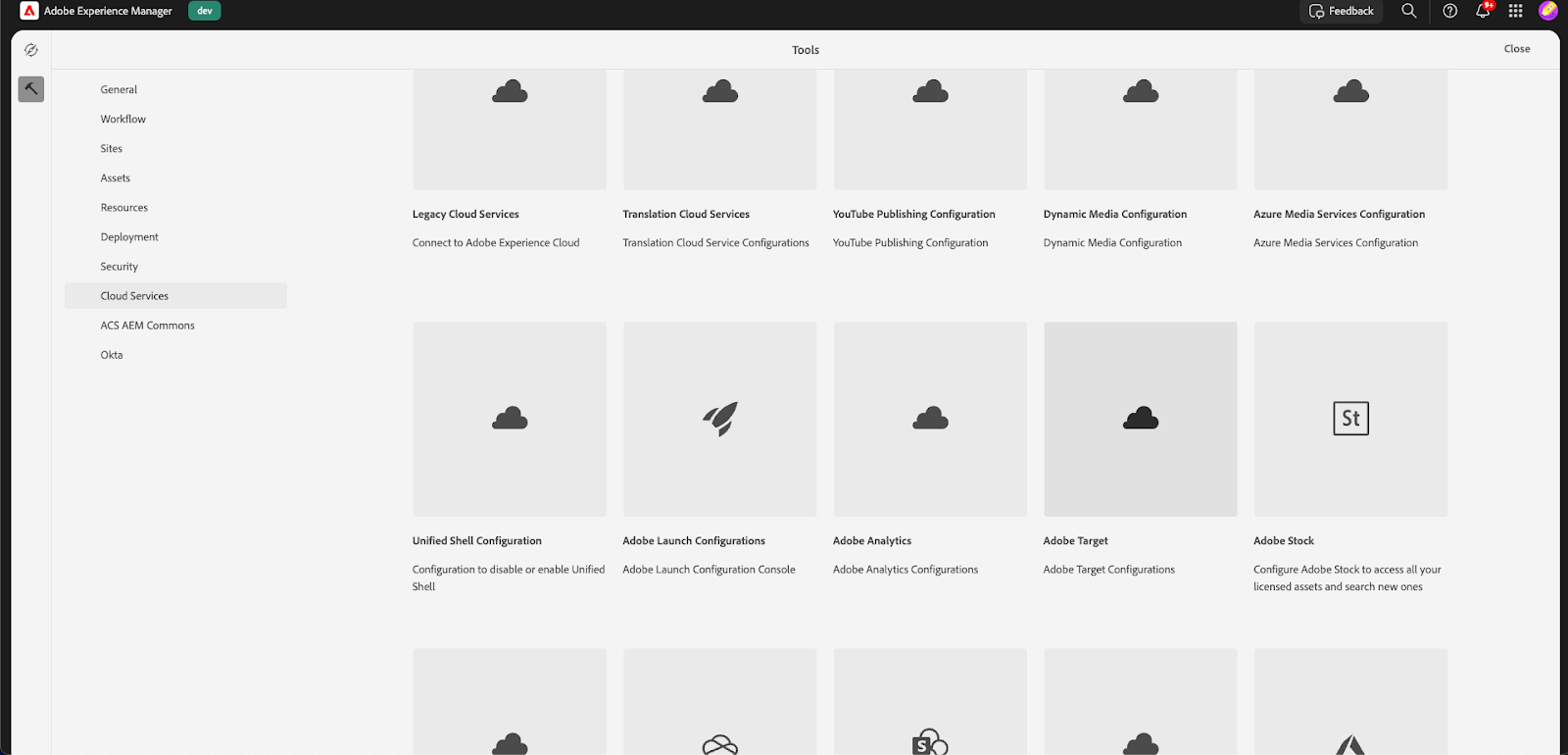
From this point on, AEM knows how to authenticate and where to send your Experience Fragments.
5. Syncing Experience Fragments: The Part Teams Love
Now for the fun part.
Once everything is wired up, authors can select “Export to Adobe Target” directly on an Experience Fragment (XF). AEM handles the rest.
A typical flow looks like this:
- Build or update an XF
- Select the option to export it
- Wait for the confirmation message
- Find the XF sitting inside Adobe Target > Offers

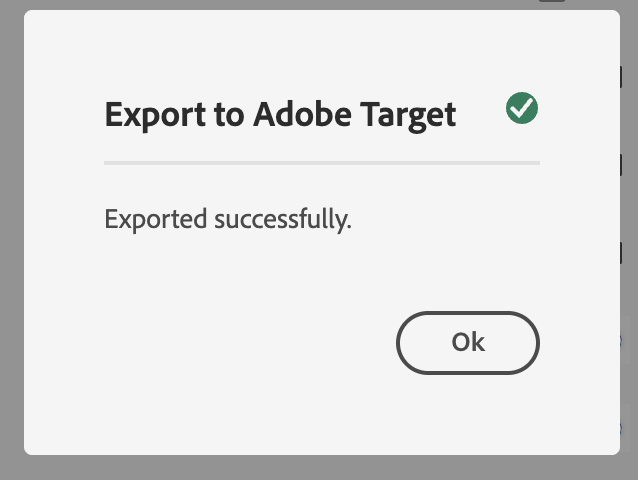

This removes all the usual copy/paste headaches.
It also means marketers can experiment with variations almost instantly - no more raising tickets or waiting days to swap a banner.
Why this matters in the real world
- Campaign timelines shrink
- Content stays consistent across channels
- Authors don’t need to learn Target
- Marketers get fresh content quickly
- Personalization actually scales instead of becoming another bottleneck
I’ve seen teams cut their personalization time-to-market almost in half just by enabling XF sync.
6. Final Thoughts: Why This Integration Matters
This integration isn’t only about syncing content. It solves a bigger operational challenge: how marketing and content teams can move fast without breaking process or relying on dev cycles.
AEM and Adobe Target together offer:
- A cleaner workflow
- Faster personalization
- Better collaboration across teams
- More control for marketers
If personalization at scale is the goal, this connection is the foundation you want in place.
7. How Initialyze Helps With Adobe Target + AEM Integrations
If you’ve worked with Adobe tools, you know the setup is one thing—but getting the ecosystem to work smoothly across teams is another challenge entirely.
That’s where Initialyze usually comes in.
Here’s what we add:
- End-to-end Setup: We take care of OAuth, IMS, and AEM Cloud configurations so your system is airtight and ready for enterprise-scale use.
- Streamlined Content Workflows: We enable XF publishing and guide authors so they know exactly how to push content into Target the right way.
- Custom Integrations: If your personalization requires product catalogs, structured content, or synced entities from AEM, Adobe Commerce, or other systems - we build that bridge.
- Adobe Launch + Web SDK Enablement: We help you use Adobe Launch to activate Target quickly on your pages, especially if you’re aiming for real-time personalization.
If you’re planning to scale personalization or tidy up your current setup, we can help.
Reach out to Initialyze to get your Adobe personalization ecosystem running smoothly.